Up to 32 inputs and 5 outputs. Freely layout up to 25 windows for one 4K or up to 40 windows for four 2K. M-JPEG stream output for LiveViewer and/or alarm recording function are installed as a standard. Thanks to its front air intake and rear exhaust, the MV-3240 can be installed in many environments.
* 12G/6G-SDI inputs are optional.
Inputs/Outputs
Inputs:Up to 32 inputs for 3G/HD/SD-SDI (including up to 16 inputs for 12G/6G-SDI*1.)
Outputs:4 outputs for 3G/HD-SDI or 1 output for 12G-SDI and 1 HDMI output*2.
Expandable number of inputs with low latency thanks to a cascaded connection scenario.
Cascade Setting:Up to 4 units can be connected.
Freely layout up to 25 windows for one 4K or up to 40 windows for four 2K.
*1 Optional, 2 MV-1640SDI-12G are required to support 16 12G/6G-SDI inputs. *2 HDMI outputs same video of SDI output.
Layout Manager and On-screen Monitoring
Customizes layouts, using the software in Windows® to adjust image size, position, title display, and other settings.
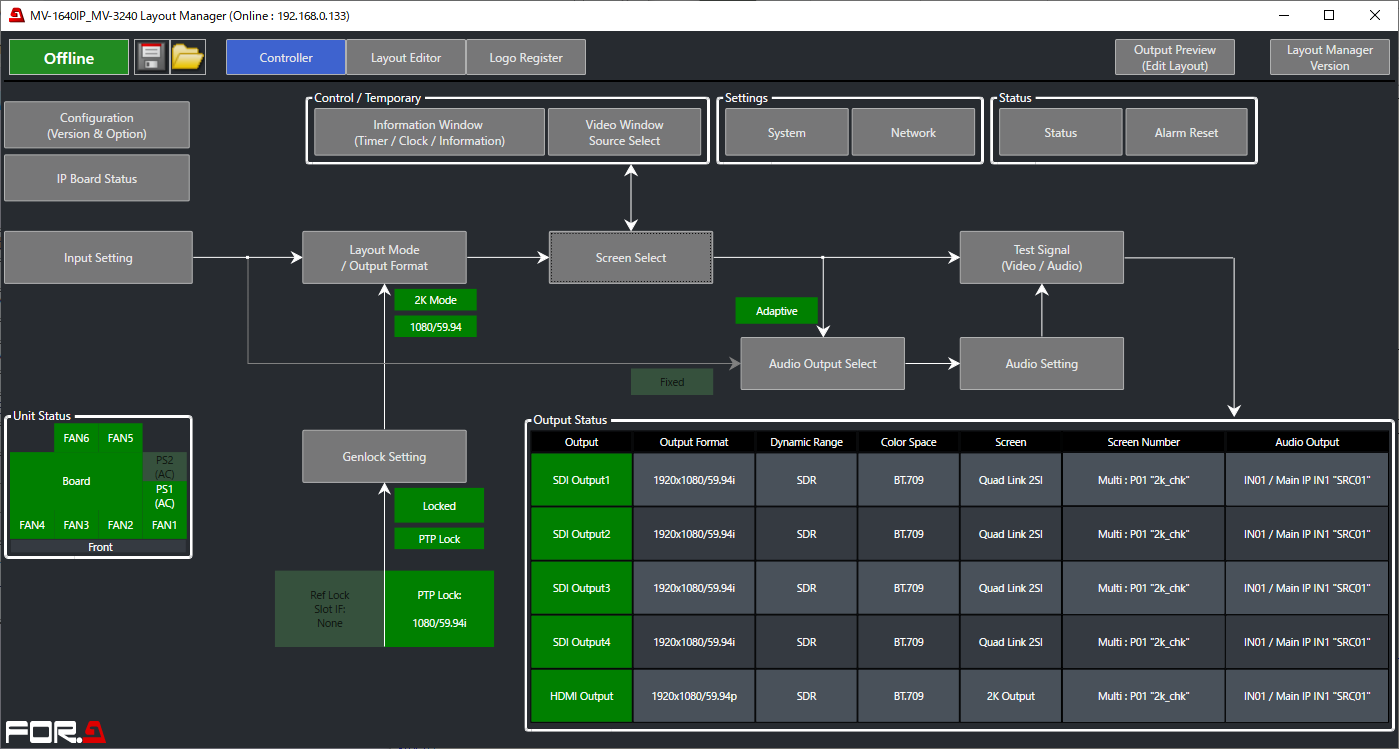
Stores layouts on the viewer.
Recalls saved layouts directly from the front panel control.
Logo display in title areas: Stores and displays 4 logo images.
Tally, Title, and Timecode Display.
Time of day, Timer, and Information Display.
Can display time based on a 30-hour clock.
Registers up to 24 schedule timers per day for 1 week.
Supports data import even when offline.
Audio
Audio Level Display.
Audio Monitoring Output.
Inputs/Outputs
Inputs:SDI Max 16 channels of embededded audio for each video.
Outputs:HDMI Max 8 channels of embedded audio for each video.
M-JPEG Stream Output and Cropping
An integrated M-JPEG streaming video output serves as a simple way to monitor signals outside of the control room, with users accessing the signal from any web-enabled device.
Dedicated APP for Windows®:
– Monitor the M-JPEG streaming output on an app for Windows.
– Pre-alarm recording allows footage to be stored on PC HDD and reviewed when error occurs.
Cropping:
– Specifies areas to crop in pixels or by percent.
– Background image is shown outside cropped areas.
– Aspect ratio also maintained after partial cropping (of one side, for example).
Up/Down-resizing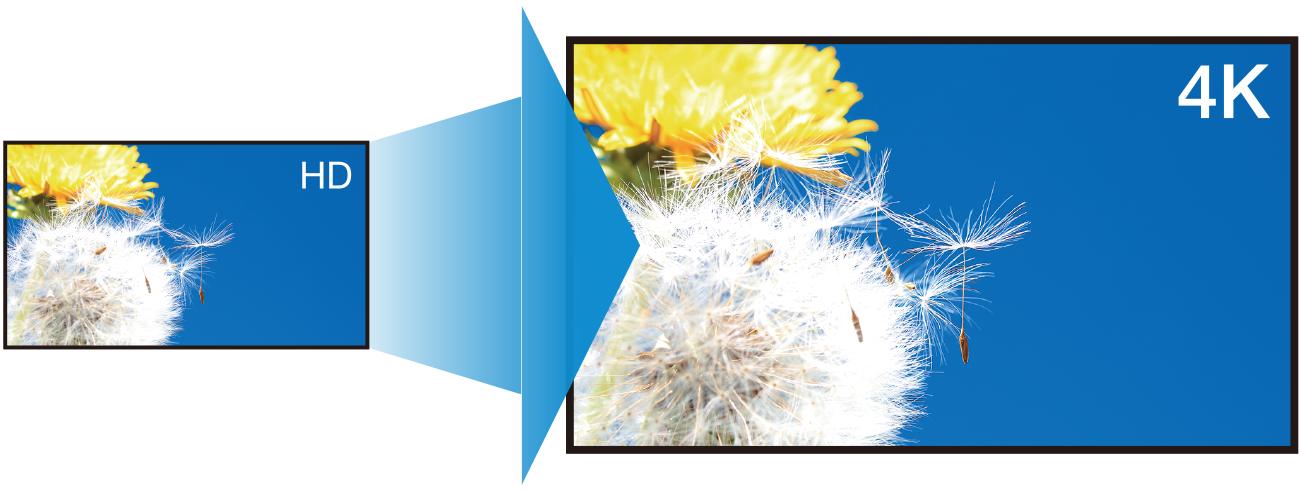
Resize from HD to 4K and from 4K to2K.
Controls and Error Detection
Supports external interfaces and control protocols (including monitoring), SNMP function.
Detects frozen frames (Y/C and Y only).
View error logs or user text in the Information Display.
Flashing borders or error icons/messages to identify screens with errors.
Pre-alarm recording allows footage to be stored on PC HDD and reviewed.